
Actually, I should clarify – I spent forty-five minutes yesterday trying to find a specific Kubernetes ingress annotation I wrote down in our internal docs six months ago. Forty-five minutes. I knew it was there. I knew I wrote it. But Ingress-NGINX Just Killed Config Snippets search decided that what I really wanted was a marketing meeting note from 2023.
That was the breaking point.
I’m not paying OpenAI for an enterprise subscription just to query my own markdown files, and I definitely don’t want to send our infrastructure configs to a public API. And I spent my Saturday building a local RAG (Retrieval-Augmented Generation) API. It runs on my laptop, it eats my documentation folder for breakfast, and it actually answers questions instead of giving me a list of “relevant” links that aren’t relevant at all.
If you’re tired of grep -r failing you, here is how I hacked this together using Python, FastAPI, and Ollama. It’s messy, but it works.
The “Lazy DevOps” Stack
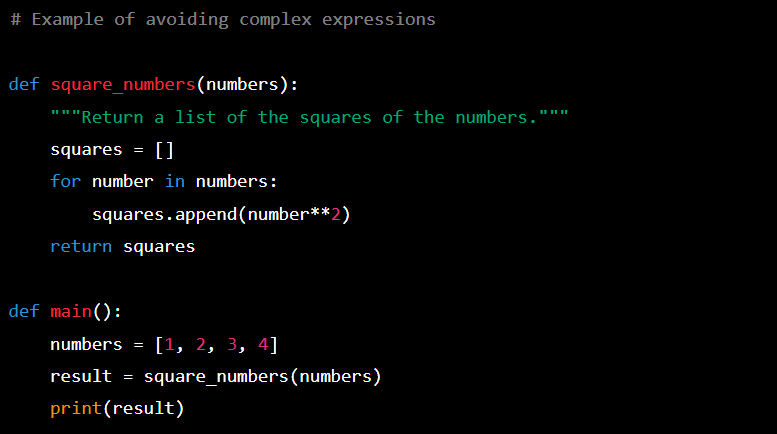
I wanted this to be lightweight. No heavy vector databases that need their own cluster, no complex orchestration. Just Python and a binary.
- Python 3.12: Because I refuse to upgrade to 3.13 until the async improvements stabilize.
- FastAPI: obviously.
- ChromaDB: It’s a vector store that runs embedded. No Docker container required for the DB itself (unless you want one).
- Ollama: Running
llama3.2locally. It’s fast enough on my M2, and the quantization is decent.
Step 1: The Ingestion Script (The Boring Part)
First, we need to shove our docs into Chroma. I have a folder full of markdown files exported from our wiki. The trick isn’t just reading files; it’s chunking them so the context window doesn’t choke.
...Step 2: The API Layer
Now for the fun part. The API receives a question, asks Chroma for relevant chunks, and then yells at Ollama to summarize it.
...The Reality Check: Performance & Memory
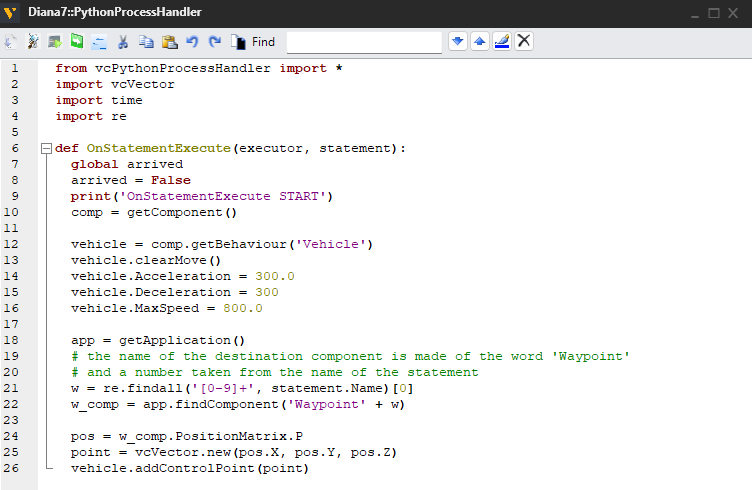
Here’s the part the tutorials usually skip. I ran this initially with the default timeout settings, and it crashed constantly. Why? Because loading the model into memory takes time if it’s been unloaded.
I benchmarked the “cold start” time. On my machine, the first request takes about 4.2 seconds while Ollama loads the weights into VRAM. Subsequent requests drop to around 0.8 seconds. If you set your HTTP timeout to 5 seconds (like I did originally), you’re going to have a bad time on that first hit.
Also, watch your Docker networking if you containerize this. I wasted an hour figuring out why the container couldn’t hit Ollama running on the host. If you’re on Linux, --network host is your friend. If you’re on Mac, you need host.docker.internal, and even then, it’s flaky.
Why This Beats the Cloud
The best thing about this setup isn’t the AI—it’s the privacy. I can ingest our .env.example files, our IP whitelists, and our incident post-mortems without triggering a security audit.

Is Llama 3.2 as smart as GPT-4? No. But for finding “how do I rotate the redis credentials,” it doesn’t need to be a genius. It just needs to find the paragraph I wrote six months ago and summarize it.
Now, if I could just get it to automatically update the documentation when I change the code, I’d actually be happy. But that’s a problem for next weekend.
FAQ
How do you build a local RAG API for internal documentation using Python and Ollama?
The setup uses Python 3.12, FastAPI, ChromaDB as an embedded vector store, and Ollama running llama3.2 locally. An ingestion script chunks markdown files and loads them into Chroma so the context window doesn’t choke. The API layer receives a question, queries Chroma for relevant chunks, and asks Ollama to summarize. It runs entirely on a laptop with no heavy vector database cluster required.
Why does the first Ollama request take so long compared to later ones?
Cold start latency comes from loading the model weights into VRAM. On an M2 laptop, the first request takes about 4.2 seconds while Ollama loads llama3.2 into memory. Subsequent requests drop to roughly 0.8 seconds because the model is already resident. If you set an HTTP timeout of 5 seconds, that initial request will frequently fail after the model has been unloaded.
How do I connect a Docker container to Ollama running on the host machine?
Networking depends on your operating system. On Linux, passing –network host lets the container reach Ollama directly on the host. On Mac, you have to use host.docker.internal, but the author notes that even this approach is flaky and cost him an hour of debugging. Plan for networking friction if you containerize the API rather than running it natively.
Why run a local RAG setup instead of using OpenAI or another cloud LLM?
Privacy is the main advantage, not raw model intelligence. Running locally lets you ingest sensitive material like .env.example files, IP whitelists, and incident post-mortems without triggering a security audit or shipping infrastructure configs to a public API. Llama 3.2 is not as smart as GPT-4, but for retrieving a paragraph you wrote months ago about rotating Redis credentials, it’s capable enough.


